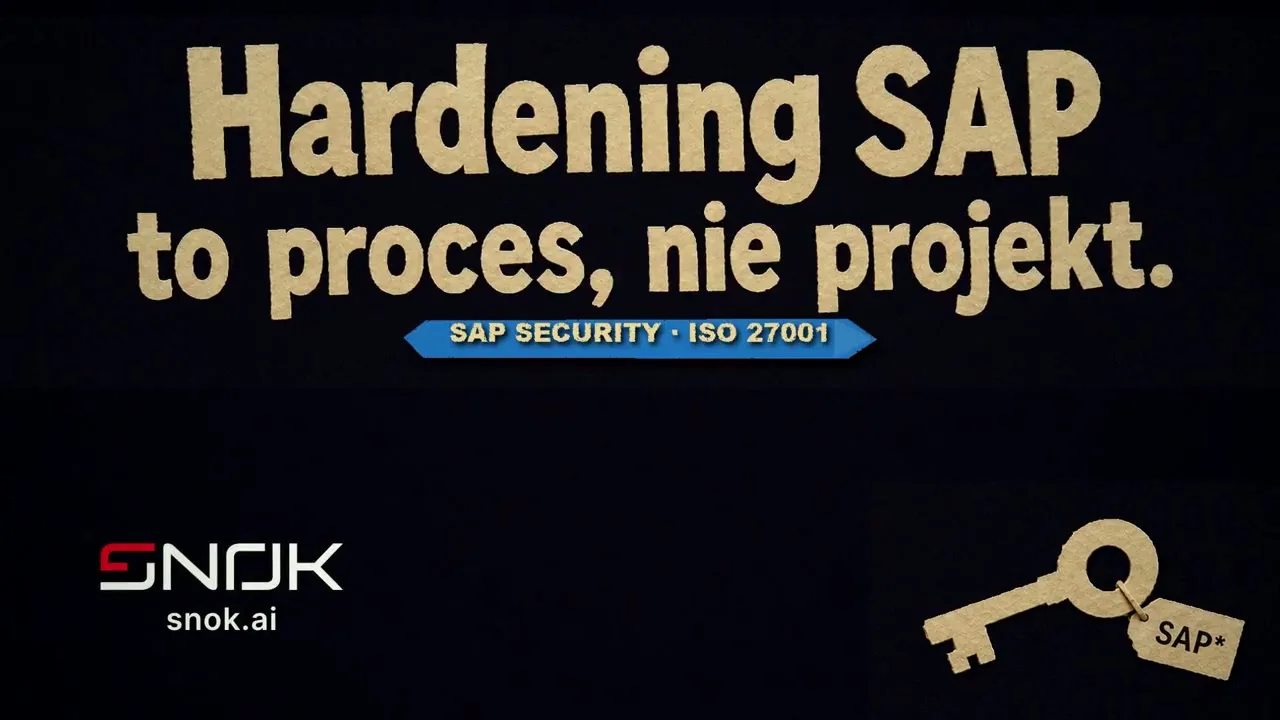

Imagine that your entire company is one tall tower. Built from sheets of paper: invoices, payrolls, orders, delivery confirmations. Everything that happens in the company sooner or later becomes a document. And that document sits in SAP.
Now imagine a hand that slides a single sheet out of the foundation of that tower. It does not steal data quietly. It simply pulls at one weak point and watches the whole structure sway.
This film shows exactly that moment. And what you can do before it happens.
The foundation we do not think about until it trembles
SAP rarely makes it onto the first page of a security plan. We protect the internet edge, email, workstations. Meanwhile the system that runs finance, HR and the entire document flow often works on settings from years ago.
Four places every SAP administrator knows all too well:
- The key under the mat. An
SAP*account with a default password that no one changed after installation. Written up in every attacker’s playbook. - Yellowed sheets. A kernel and patches with a date that makes you sigh. Every unpatched month is a known, documented vulnerability.
- Loose tabs. RFC interfaces left open and unencrypted. Pull one and you slide out whole binders from the neighbouring system.
- One bunch of keys. A user with permissions to everything, because “it was quicker that way”. One compromised login and the attacker has as much access as they do.
None of these points is exotic. It is the everyday reality of SAP audits.
Five layers, not one patch
SAP hardening is not a single decision or a one-off project with an end date. It is a set of layers that together make sure that sliding out one sheet no longer moves the whole tower.
- Kernel and patches. You replace the yellowed sheets before someone tears them out. A current kernel is the lowest bar to clear, and it is still often skipped.
- Configuration. System parameters set deliberately, not out of the box. Default values were written for installation convenience, not for your risk profile.
- Authorisations. Everyone carries a single key to their own door. The principle of least privilege sounds trivial until you count how many accounts in your system have too much.
- Interfaces. Every tab connected, documented and encrypted. RFC connections where you know where they lead and who uses them.
- Monitoring. A watchman who sees every hand reaching for your documents. Because even the best hardening assumes that someone will try - and this is where platforms such as SecurityBridge help, catching suspicious events in real time.
None of these layers is free. Updating the kernel requires a service window. Cleaning up authorisations can reveal that half the roles were created ad hoc over the past years. Monitoring without someone who reacts to alerts is just a more expensive event log. That is why we talk about a process, not a single deployment.
Where we start
At SNOK we start with an audit of the foundation: we check where the key under the mat is and which tabs stick out loose. Only then do we harden the system layer by layer, at a pace your production can withstand.
If you operate in a sector covered by NIS2 or DORA, SAP hardening stops being a matter of good practice and becomes a compliance requirement. Check the state of your foundation before an auditor does it for you. Or someone who did not come with an audit.